HOCKEY POOL
How it works
From an invitation to a season-long rivalry. Here is what happens at each step.
Start with your poolCreate your pool
Create an account, then choose a regular-season or playoff pool. Set the season, the number of forwards, defensemen, and goalies, and the point values for your scoring categories.
Choose the format that fits your group
Season pools use one opening draft and cumulative regular-season statistics. Playoff pools can keep one roster, replace eliminated players, or redraft every round. Bracket predictions are optional for playoff pools.
Season pools can also draft NHL teams. Enable team slots and choose their scoring values before the draft; each team is exclusive within that pool.
For an upcoming season, drafting opens only once NHL roster data has been published and synced. Trades, free-agent adds, and salary caps are not part of the current season mode.
Invite your friends
Share the pool invitation link or code. Your friends register or sign in, confirm that they want to join, and appear in the member list. The creator starts the draft when the group is ready.
You can own up to two running pools. Setup pools count toward that limit; completed pools do not. Joining other pools does not use an ownership slot.
Prepare, then draft
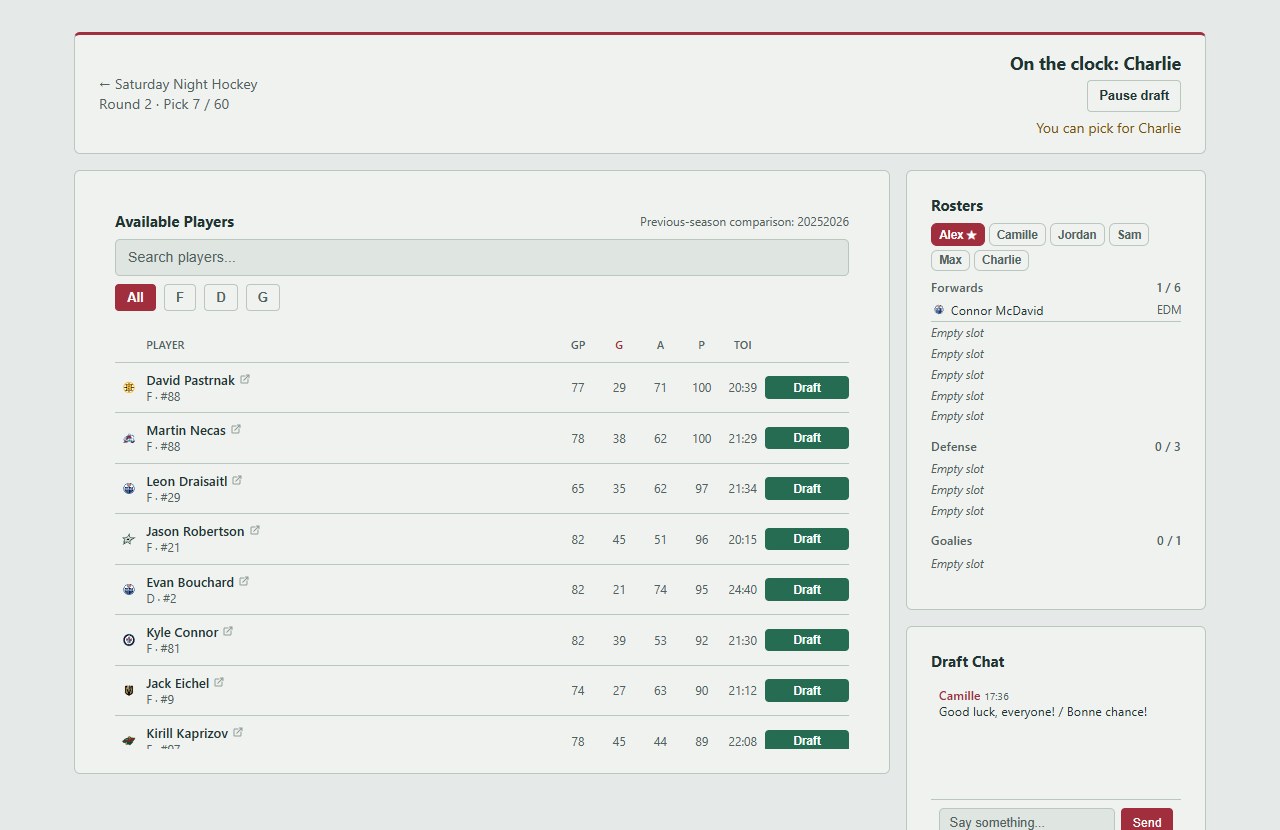
Use the public draft helper to compare players by position, review ice time and power-play usage, and save a shortlist. The tiers describe historical performance, not guaranteed future points.
The creator chooses normal or snake order. A snake draft reverses the order each pass. Timed live drafts can automatically choose an eligible player when a turn expires; untimed drafts let managers make their picks without a countdown.
Follow the race
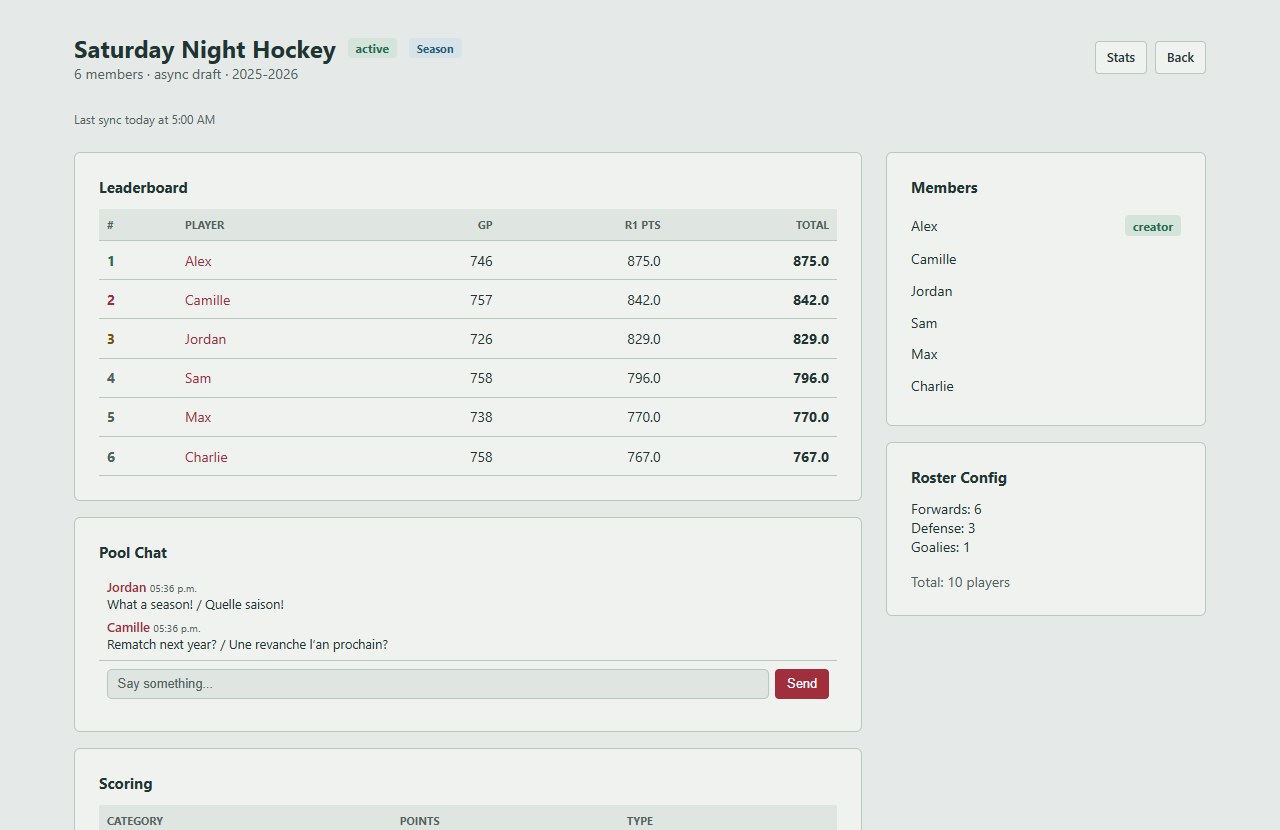
Once the draft is complete, the leaderboard uses NHL statistics and your pool scoring rules. Open a roster to see individual contributions, explore player profiles, and talk with your group in pool chat.
When do points update?
NHL data is synced automatically each day at 05:00 Toronto time. Application administrators manage manual syncs; pool owners do not need to fetch the same data again. Final playoff games may show Processing stats while scoring data catches up. NHL corrections can change totals later.
Ready for draft night?
Have a rules question? Read the FAQ or sign in to send a private message to the administrator. Read the FAQ